Docs
Learn the system in plain English.
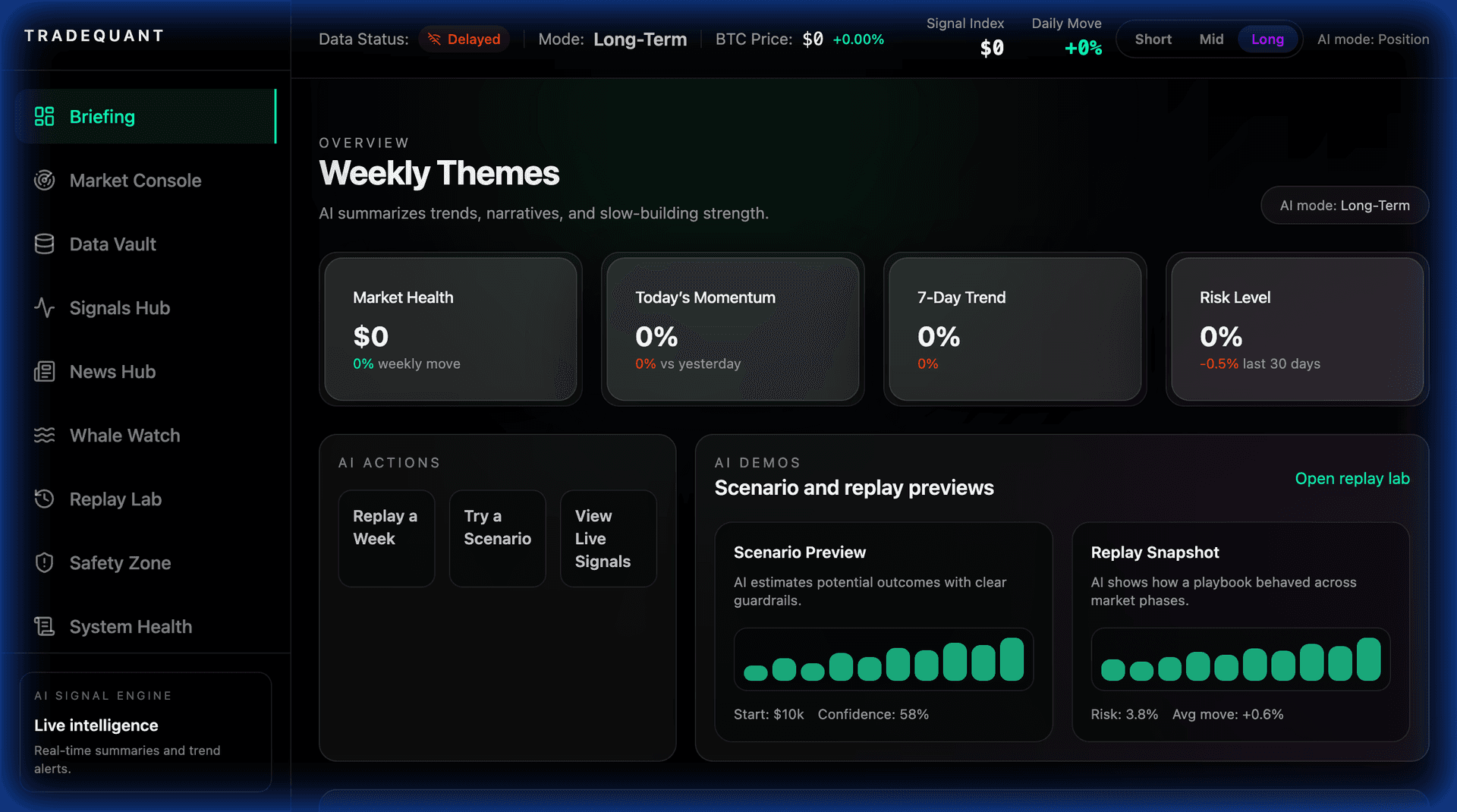
TradeQuant is built to feel simple on the surface and powerful underneath. These docs explain how to read signals, validate context, and build a repeatable routine.
Quick start
Quick start
Start with your brief
Open the AI briefing and see the top signals, market regime, and focus list.
Quick start
Lock a tight watchlist
Keep 10–20 assets so the AI can stay sharp and reduce noise.
Quick start
Validate with Backtesting
Open Backtesting to compare past outcomes before you act.
Quick start
Set your alert cadence
Choose short, mid, or long horizons and let signals update on your pace.
What you get
The operator stack, unified.
Daily AI Brief
Your market snapshot: key signals, regime read, and top narratives in one view.
Signal Console
A ranked feed with explanations, confidence, and timing windows.
Backtesting
Backtest similar conditions to see how setups behaved before you act.
Risk & Safety
Risk flags, volatility warnings, and liquidity checks to avoid bad regimes.
Core concepts
Know what the AI is telling you.
Signal Score
Confidence-weighted scoring that blends price, narrative, and attention.
AI Brief
A concise summary of what matters now, delivered in plain English.
Narrative Pulse
The most repeated themes and catalysts driving attention shifts.
Risk & Safety
Risk flags that warn you when volatility or liquidity looks unstable.
Backtesting
Fast historical replay to pressure-test your setup before you commit.
Watchlist Focus
Signals tuned to the assets you actually trade, not a giant feed.
Workflow
Morning pass
Skim the brief, check top movers, and flag 2–3 signals worth deeper review.
Workflow
Context check
Validate the signal against mood, news, and social pulse for alignment.
Workflow
Backtesting validation
Use backtesting to inspect how similar setups behaved in past regimes.
Workflow
Decision time
If the data stays aligned, execute with your own risk and sizing plan.
Signal types
What you will see in the feed
Momentum spikes
Sharp price acceleration paired with rising attention and volume.
Narrative shifts
News or social themes that flip sentiment direction.
Liquidity alerts
Warnings when depth thins or flow becomes one-sided.
Risk flags
AI warnings for unstable conditions or volatility spikes.
Data sources
Where the signals come from
- Live price, volume, and volatility feeds
- News + macro headlines with sentiment scoring
- X and social attention signals
- Liquidity and order flow snapshots
- On-chain data where available
- Watchlist-focused alerting rules
Deep dives
Topics to master next
- How the 3-mode system works
- Understanding signal confidence
- Building a focused watchlist
- Reading the narrative pulse
- Timing entries with Backtesting
- Interpreting risk flags
- Setting alert cadence
- Creating a repeatable daily routine